

The Digital Studio: How to Make Manga Online in 10 Steps
The Desktop is the New Studio
The days of mailing physical manuscripts to a publisher in Tokyo are over. Today, your "Editor" is an algorithm, and your "Magazine" is the entire world. Whether you want to land on Shonen Jump+, WEBTOON, or Manga Plus Creators, the tools have changed—but the standards haven't.
If you’re still drawing on a single layer and "guessing" your proportions, you aren't building a series; you’re making a hobby. To go pro, you need a Production Pipeline. Here is the 10-step workflow I’ve seen in top-tier digital studios.
1. The Digital "Name" (Thumbnails)
Before you touch a high-res canvas, you work small. Use low-resolution files to map out your pacing.
The Online Secret: If you’re publishing for mobile (vertical scroll), your "Page Turns" aren't flips—they are Scroll Reveals. You need to space your panels to control the reader's "thumb speed."
2. Vector Inking: The "Infinity" Hack
In Clip Studio Paint, never ink on a Raster layer. Use Vector Layers. * Why? You can resize your art to any scale without losing quality, and the "Vector Eraser" allows you to clean up overlapping lines in seconds. This is how solo creators produce 20 pages a month.
3. 3D Assets: Efficiency over Ego
Pros don't draw every background from scratch. We use 3D models for perspective and complex architecture.
The Rule: Use 3D as a skeleton, not a skin. Trace over the models with your own brush to keep the "hand-drawn" soul alive.
4. The "Web-First" Export
Most creators upload files that are too heavy or too blurry.
Standard: 72dpi to 150dpi for web, but always draw at 600dpi.
Safety: Use my Storyboard pack PDF to ensure your dialogue stays centered even if the app crops the edges of the screen.
5. Where to Host?
Manga Plus Creators: The direct line to Shueisha editors.
ArtStation/Twitter: Great for "Alex" to build a portfolio.
WEBTOON/Tapas: Best for vertical-scrolling romance and drama.
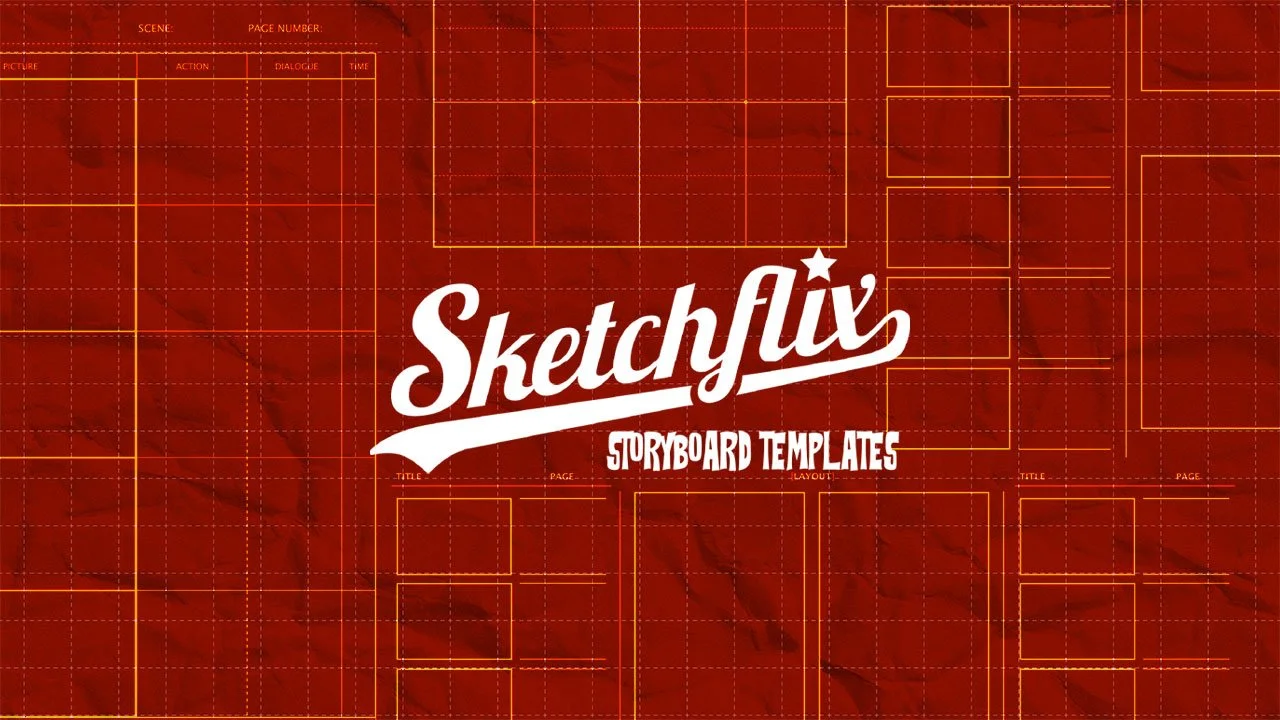
Bring your ideas to life with this collection of five clean, easy-to-use storyboard templates designed for artists, filmmakers, YouTubers, and creative storytellers.
Whether you’re planning a short film, mapping out your next YouTube video, or sketching a manga sequence, these templates give you the structure you need to move from idea to visual plan—fast.
Crafted with a director’s eye and an artist’s sensibility, each template helps you stay organized, tell clearer stories, and communicate your vision with confidence. No more messy sketchbooks or scattered notes—just a smooth, intuitive workflow that turns inspiration into production.